 Chrome extension
bugAgent CoPilot
for Chrome.
One-click bug reports from any browser tab. Environment, screenshots, console output, failed network requests, and a sanitized DOM snapshot auto-captured. Record actions for repro and generate Playwright scripts on the way out.
What it does
Five surfaces in the side panel, each one removing a step between "I found a bug" and "the dev has everything they need to fix it."
1. The report form
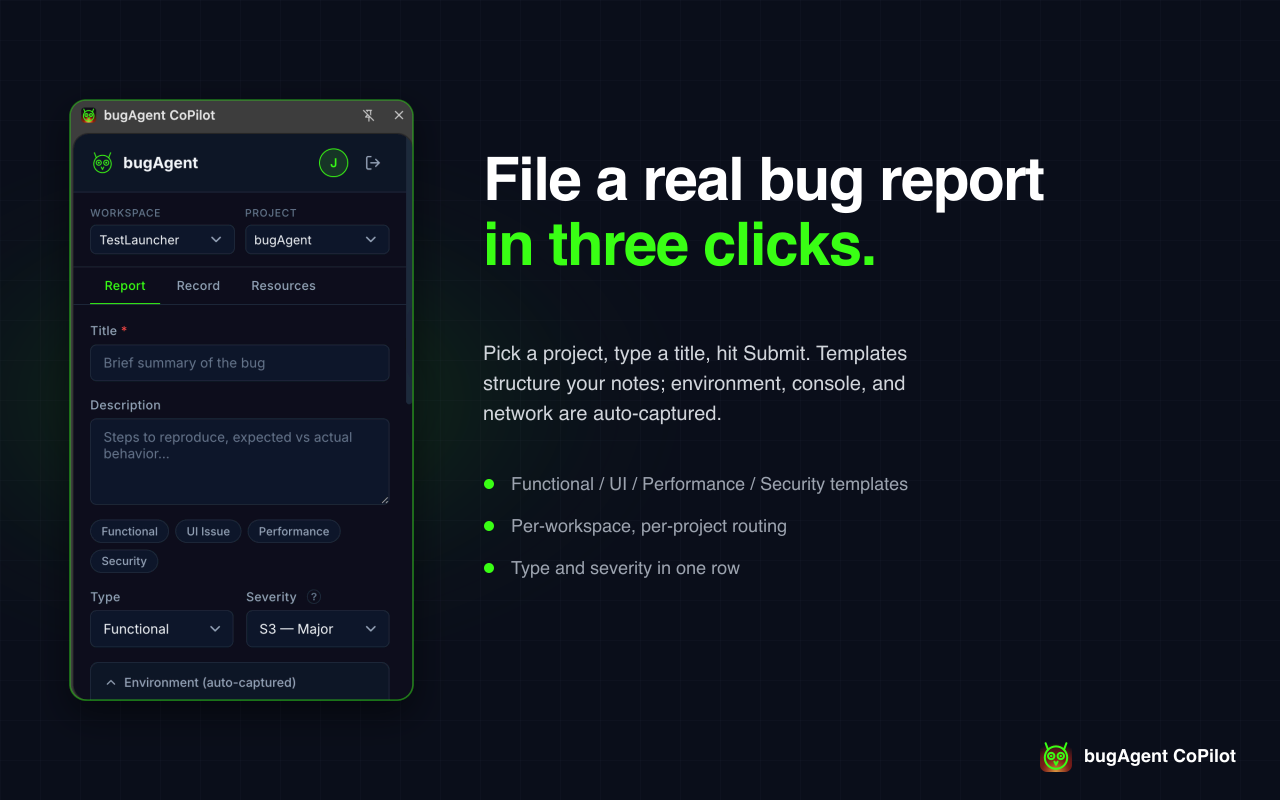
Title, severity, type, project, attachments. Optional toggles for console output, failed network requests, and a sanitized DOM snapshot. Submit without leaving the page you're testing — the side panel opens alongside, not over.
- Auto-fills the URL, browser + version, OS, viewport, and device type.
- Routes to the right bugAgent project based on the URL and your workspace.
- Attachments include drag-and-drop screenshots, files, screen recordings, and audio memos.
2. Action recording → Playwright
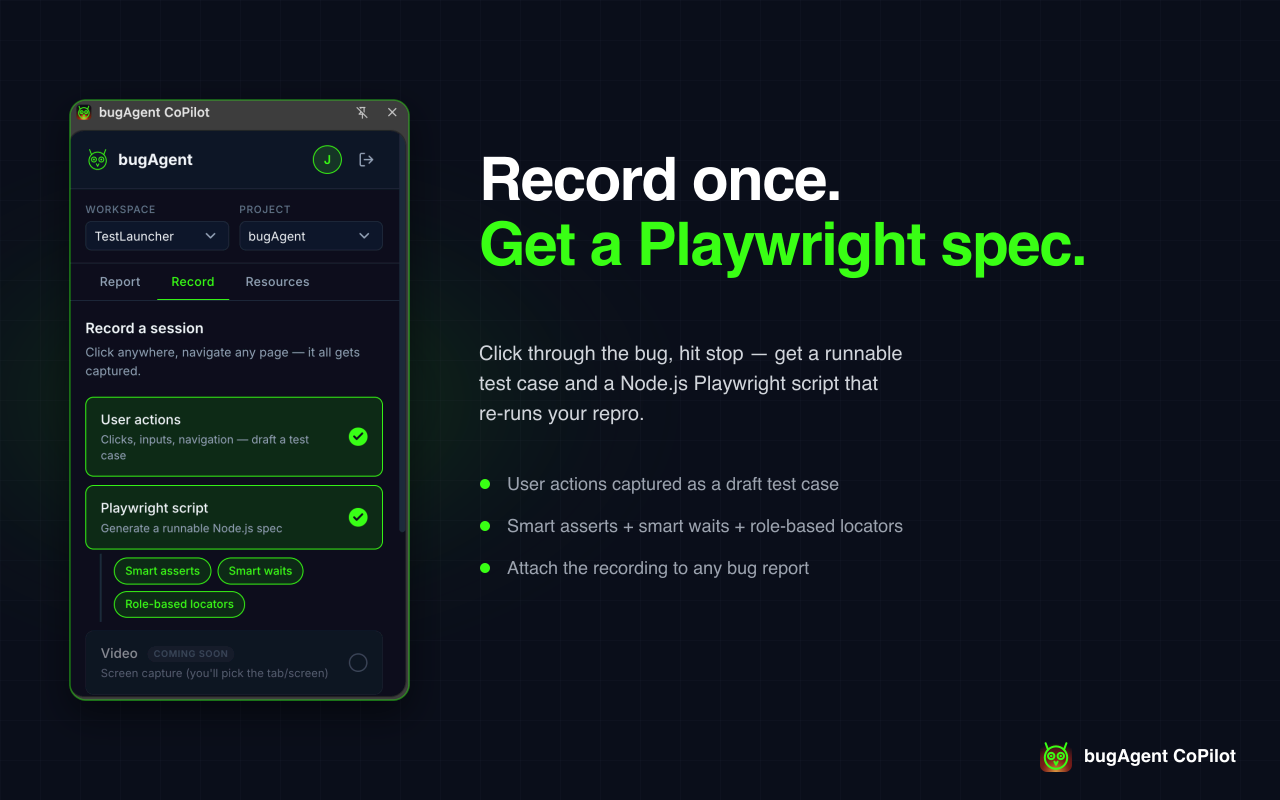
Hit Record, walk through the repro, hit Stop. The extension captures your clicks, inputs, scrolls, and navigations, then drops a production-ready Playwright script onto the bug report — the dev opens the report and has both the description AND an automated repro.
- Recordings persist across service-worker eviction (in-flight state saved to
chrome.storage.session). - Playwright-grade selector generation — stable across DOM changes.
- One-click "Create automation" promotes any recording to a managed Playwright test in your bugAgent project.
3. Resources panel
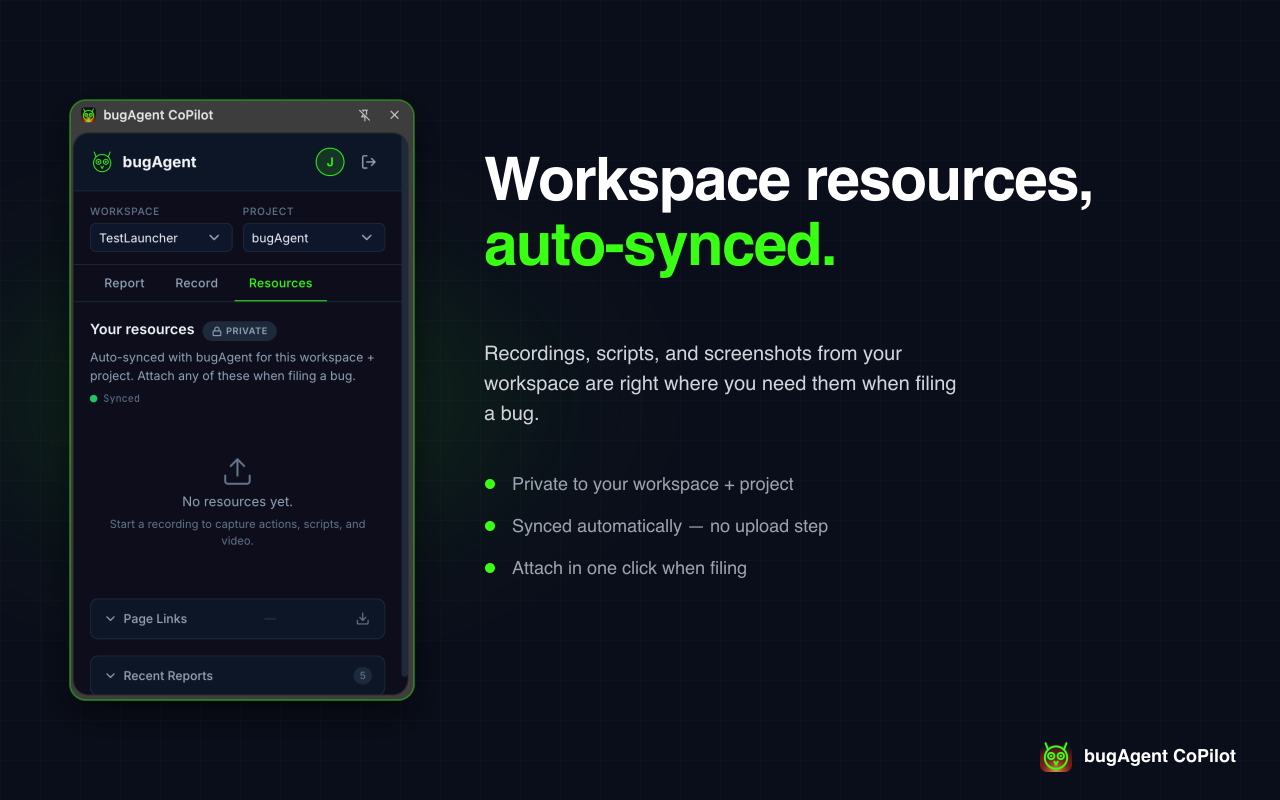
Every recording lives in the side panel's Resources tab. Inspect the action log, copy the Playwright script, jump from a recorded-script warning to the affected Playwright step, delete what you don't need, or promote any recording to a bugAgent automation. Auto-synced to your workspace and scoped to your active project.
- Recordings sync every 15 seconds while online.
- Action log is copyable and exportable.
- Status badges show synced / syncing / offline at a glance.
4. Page Links
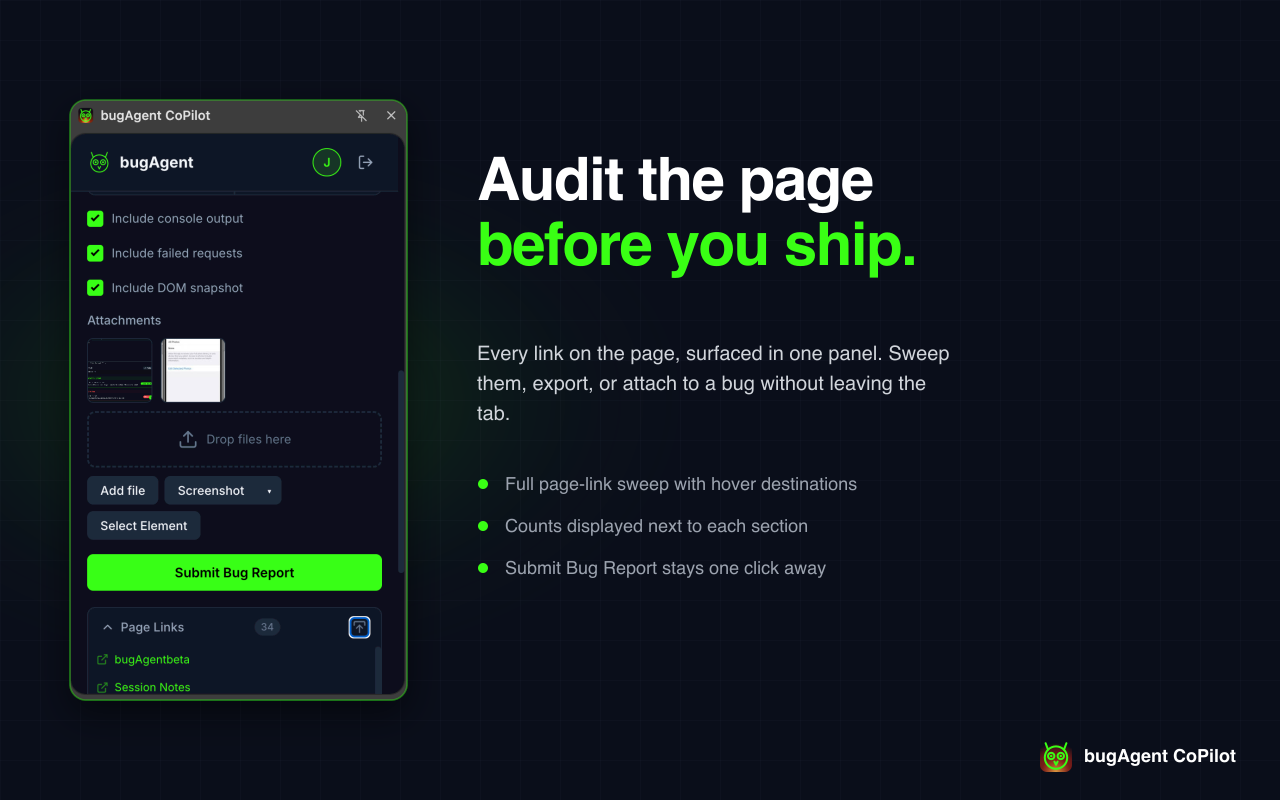
Bookmark URLs and Figma frames per page so QA can jump back to context without searching Slack. Page Links auto-refresh as you navigate and stay scoped to your active bugAgent project.
- Shared across the workspace — everyone testing a page sees the same links.
- One tap to open the design alongside the page.
- Drag to reorder, click to open in a new tab.
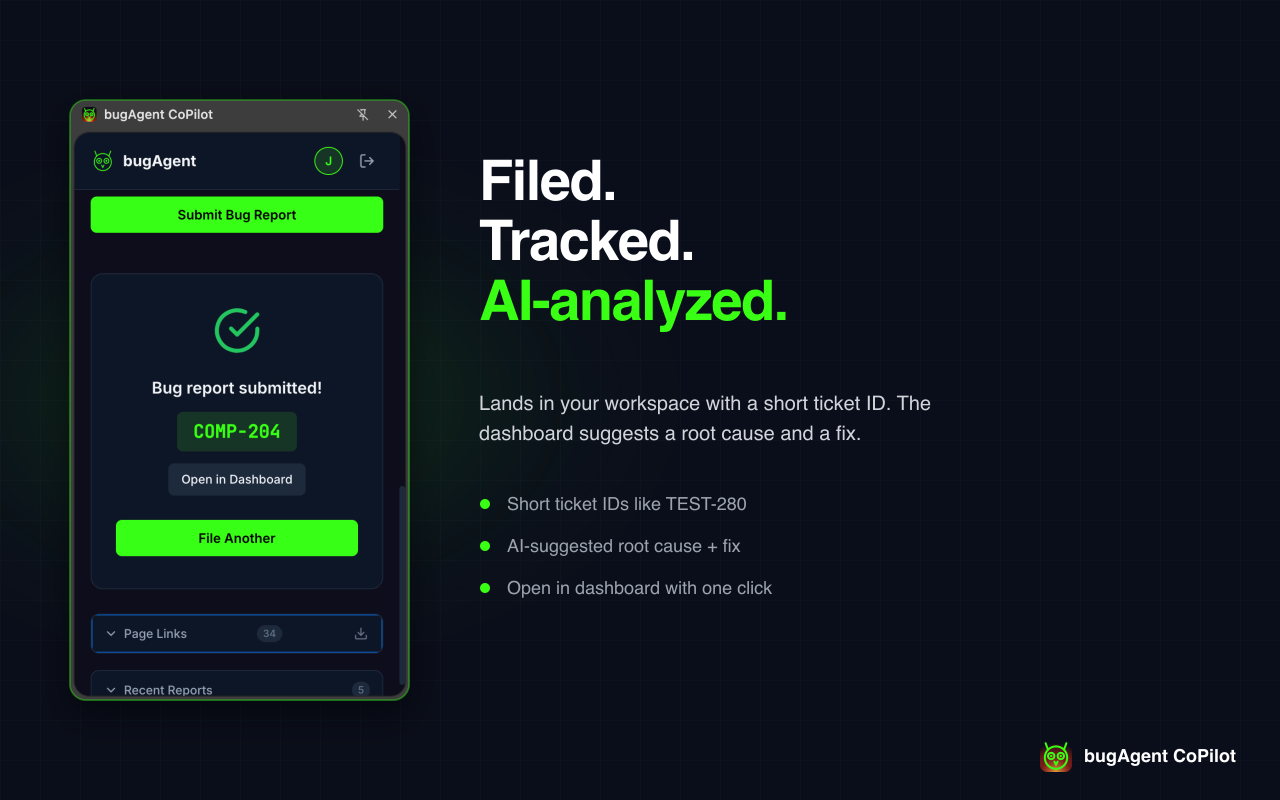
5. Submit and ship
The report posts to your bugAgent workspace, auto-classified by Claude, scored, and (when configured) synced to Jira. The success card surfaces the ticket ID and a deep link — and, as of v1.7.11, tells you if any attachment failed to upload instead of silently dropping it.
Install
Two ways to get the extension running. Pick whichever fits where you are in the rollout.
The easiest path once the extension is published. One click, auto-updates, no developer mode.
Add to ChromeAvailable now on the Chrome Web Store — one click to install, auto-updates with every release.
For early testers and internal use — install the latest build from a zip when you need something ahead of the Web Store listing or for offline-only environments.
- Get the latest
bugagent-copilot-tester-vX.Y.Z.zipfrom your bugAgent contact. - Unzip it anywhere (for example
~/Downloads/bugagent-copilot). - Open
chrome://extensionsand toggle Developer mode on (top-right). - Click Load unpacked and pick the unzipped folder.
- Pin the bugAgent CoPilot icon from the puzzle-piece menu so it's one click away.